design
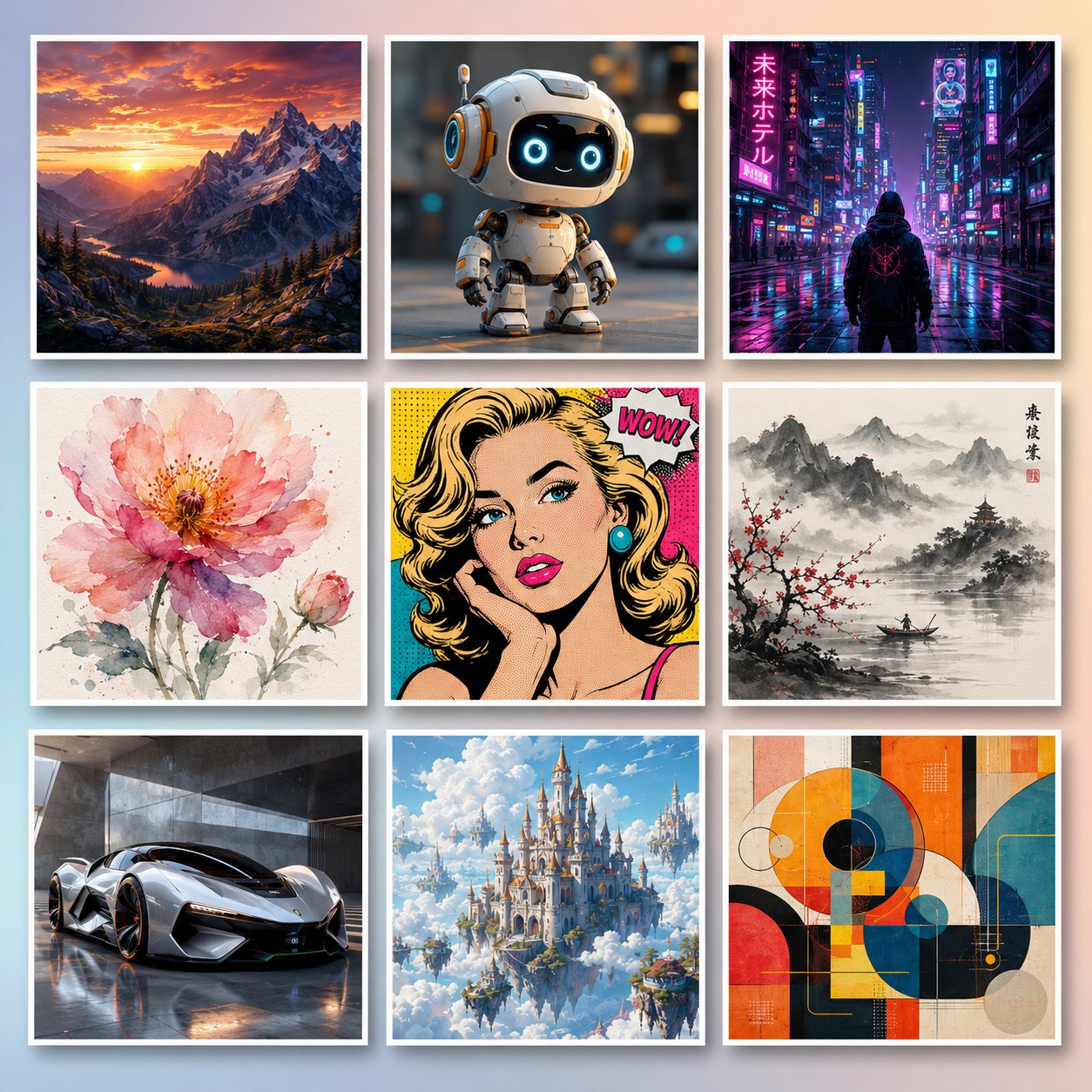
AI Image Generator Showcase — 9-Style Grid
Generate a 9-panel grid showcasing the range of styles an AI image generator can produce — ideal for blog headers, prompt-library covers, tutorials, and AI tool feature graphics.
Output Sample
The Prompt
A beautifully arranged 3x3 grid mosaic contact sheet showcasing nine distinct miniature AI-generated artworks, each presented in its own clean white-bordered frame and displayed together as a single cohesive creative gallery. Each of the nine panels features a completely different style and subject to demonstrate the full range of what an AI image generator can produce: the top row holds a photorealistic mountain landscape glowing at sunset, an adorable glossy 3D-rendered robot character with big friendly eyes, and a moody neon-lit cyberpunk street with a lone figure under the rain; the middle row holds a delicate soft watercolor flower, a bold high-contrast pop-art portrait of a woman with halftone dots and a comic speech bubble, and a serene minimalist Japanese ink-wash landscape with misty mountains and cherry blossoms; the bottom row holds a sleek futuristic concept sports car in a showroom, a whimsical fantasy castle floating among soft clouds, and a vibrant abstract geometric composition of interlocking circles and shapes. Every individual panel is crisp, richly detailed, and visually striking on its own, yet together they form a balanced, harmonious whole thanks to consistent framing, even spacing, and premium presentation. The entire grid sits on a subtle soft-gradient studio background, and each framed panel carries a gentle drop shadow that gives it depth and a tactile, gallery-print quality. Lighting across the composition is clean and even, with soft highlights that make every frame pop without harsh glare. The color story spans the full spectrum — warm sunset oranges, cool cyberpunk magentas and blues, soft pastel watercolors, and bold primary pop-art tones — remaining diverse yet tasteful and well coordinated. The overall style is a polished modern showcase and mood-board aesthetic, ultra-detailed, 8K resolution, sharp focus throughout, with professional presentation quality. This image is the perfect visual representation of the variety, versatility, and quality an AI image generator can deliver across radically different prompts, styles, and subjects, making it ideal as a hero graphic for a prompt library, tutorial, or AI tool feature page.
How to use
- Copy the prompt above using the copy button
- Replace any [bracketed placeholders] with your details
- Paste into ChatGPT, DALL-E
- Adjust and iterate based on the result
Shared by
Sofia Morales
Brand designer from Mexico City. I create product visuals using AI tools. Flux is my secret weapon for photorealistic mock-ups.
Works With
ChatGPT
DALL-E
Details
Categorydesign
AddedJun 27, 2026
Shared by
Sofia Morales
Brand designer from Mexico City. I create product visuals using AI tools. Flux is my secret weapon for photorealistic mock-ups.
Ready to use this?
Copy and paste directly into your AI tool.
Community Reviews
You might also like
Design
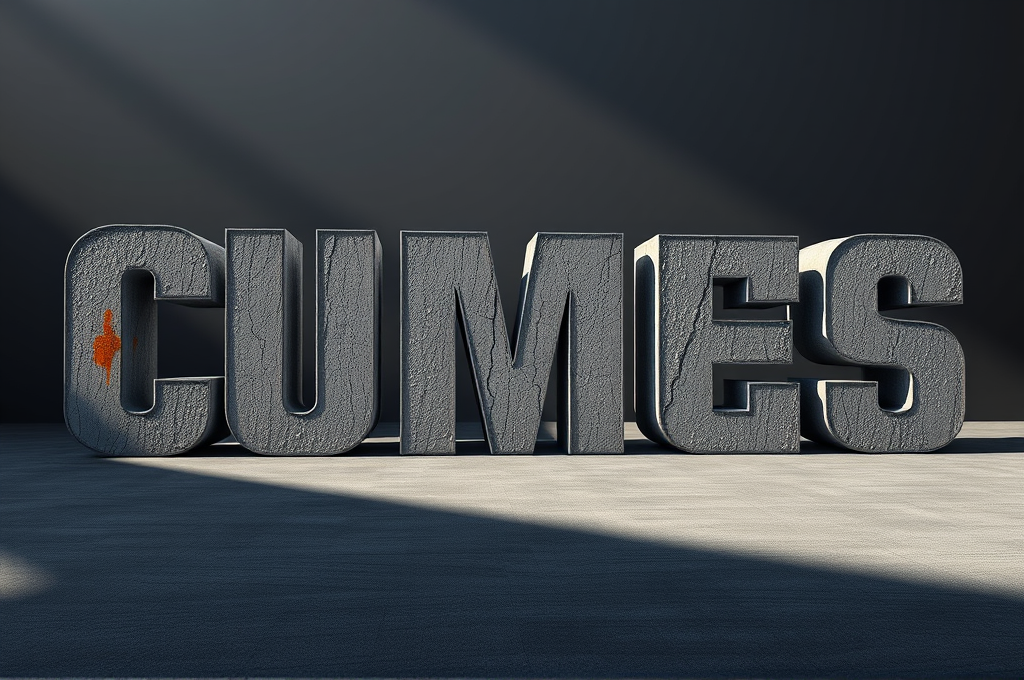
Brutalist Concrete 3D Typography Design Prompt for Leonardo
Graphic designers, brand studios, and creative directors use this prompt to generate striking hero visuals for album covers, event posters, fashion branding, and architectural firm identities. It delivers an intimidating, premium concrete aesthetic that reads as high-end and editorial. Motion designers also adapt the output as keyframes for title sequences. The restrained palette makes it easy to layer with real typography or logos in post.
Design a monumental brutalist typography composition rendered as massive 3D concrete letterforms. The word or phrase should be sculpted from raw, poured gray concrete with visible formwork texture, wooden plank imprints, aggregate speckles, and subtle hairline cracks that convey weight and permanence. Each letter emerges from a solid architectural slab, casting deep hard-edged shadows under dramatic directional lighting. Use an oversized, ultra-bold condensed sans-serif typeface inspired by mid-century brutalist architecture — think thick strokes, blunt terminals, and heavy geometric proportions. Place the letterforms within a minimalist environment: an empty concrete plaza or a matte charcoal studio backdrop with soft atmospheric haze. The lighting should be a single strong key light from the upper left at a low angle, creating long cinematic shadows and sculpting the rough surface relief, complemented by cool ambient fill to reveal texture in the shadows. Color palette restrained to cement gray, ash, bone white, and deep slate, with one optional accent of weathered rust-orange or oxidized teal staining the concrete for contrast. Emphasize tactile realism: moisture stains, efflorescence, chipped edges, exposed rebar hints, and a fine matte microtexture across every surface. Compose with strong negative space, centered or rule-of-thirds placement, and a slightly low camera angle to amplify scale and intimidation. Render in photorealistic quality with crisp focus, physically accurate materials, and subtle depth-of-field falloff in the background. Aspect ratio 4:5 or 1:1 for poster use, high dynamic range, 8K detail. Negative prompt: glossy plastic, cartoon, blurry text, warped letters, cluttered background, oversaturation, low resolution, soft mushy edges.
leonardo
#brutalist typography#concrete 3D text
Leila Ahmadi
Design
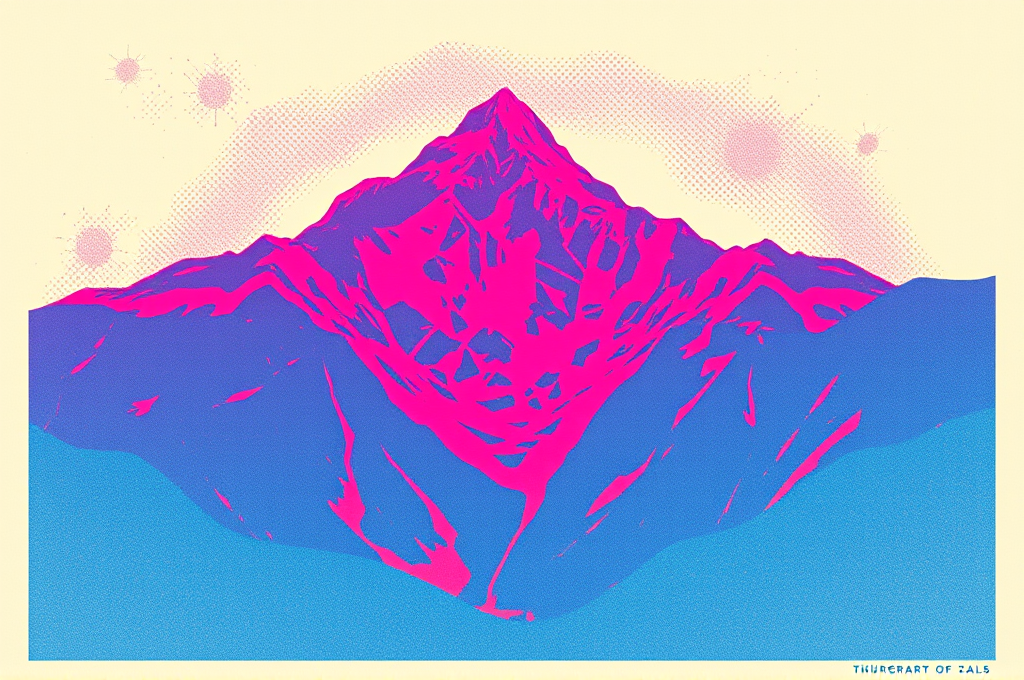
Risograph Layered Print Poster Design Prompt for Firefly
Indie designers, zine creators, event promoters, and small studios use this prompt to produce authentic risograph-style posters without owning a Riso printer. It delivers warm, tactile, limited-palette artwork perfect for gig posters, exhibition flyers, album covers, and merch. Marketers and brands adopt it for nostalgic, craft-forward campaigns that stand out from clean corporate visuals. The result is a print-ready design with genuine analog character.
Create a retro risograph-style print poster design with the authentic handmade charm of a vintage duplicator machine. Render a bold, graphic composition featuring a stylized central subject (adjust to your theme — a mountain landscape, a human figure mid-motion, a houseplant, or abstract geometric shapes). Apply the signature risograph aesthetic: limited spot-color palette using classic Riso inks such as fluorescent pink, federal blue, sunflower yellow, and medium green, layered with visible transparent overlaps that produce rich multiply-blend secondary tones where colors intersect. Add deliberate misregistration so each color layer sits slightly offset by 2-4 pixels, creating a tactile, imperfect printed feel. Infuse the entire image with a coarse, visible halftone dot grain and subtle paper texture, as if printed on uncoated recycled cream stock. Keep the color separations flat and posterized with no smooth gradients — instead use stippled, dithered shading and bold negative space. Include chunky retro sans-serif or condensed grotesque typography integrated into the layout as a headline or event detail, printed in one of the overlay inks. Compose with a strong editorial hierarchy, generous margins, and a slightly off-center balance reminiscent of 1970s–80s indie publishing. The mood should feel nostalgic, analog, warm, and creative. Technical parameters: aspect ratio 2:3 (portrait poster), resolution 300 DPI print-ready, content type 'Art', style strength 85, visual intensity high, color palette limited to 3-4 Riso spot inks, texture emphasis on grain and halftone, reference strength medium. Avoid photorealism, smooth digital gradients, and glossy finishes. Output should look convincingly screen-printed and hand-pulled.
firefly
#risograph#poster design
Isabelle Dupont
Design
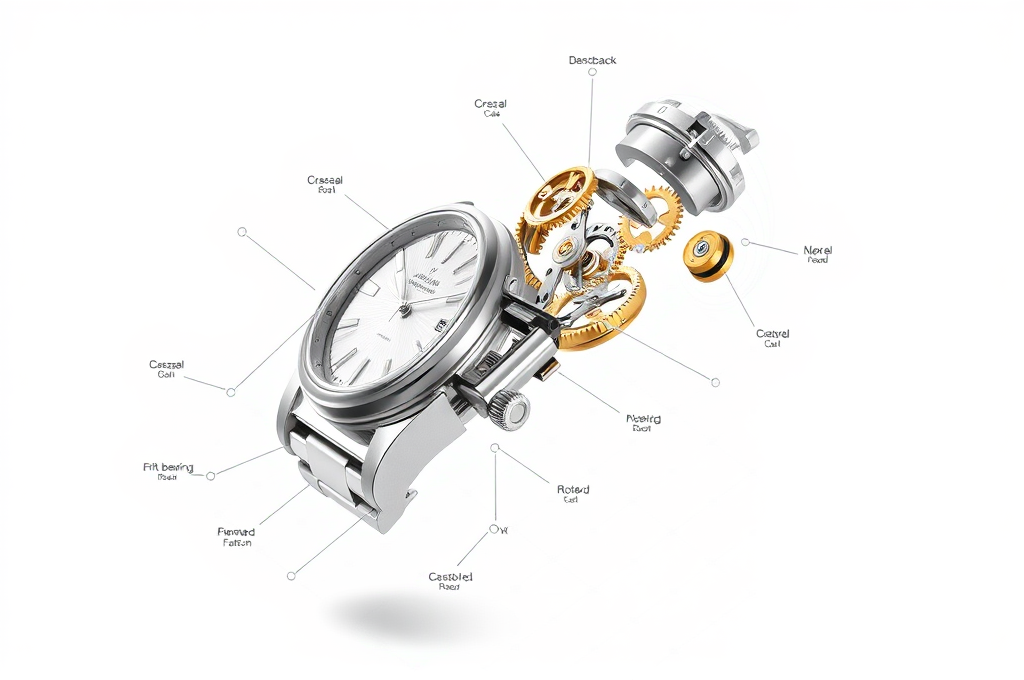
Exploded View Technical Product Diagram Prompt for DALL-E
Product designers, marketing teams, and technical illustrators use this prompt to generate polished exploded-view visuals for pitch decks, spec sheets, crowdfunding pages, and e-commerce listings. It produces a professional engineering-catalog aesthetic without needing CAD software or a photographer. Startups showcasing hardware and educators explaining how devices work get clear, annotated component breakdowns in seconds. The result communicates craftsmanship and complexity while looking premium and trustworthy.
Create a hyper-detailed exploded-view technical diagram of a [PRODUCT — e.g. vintage mechanical wristwatch], with every internal and external component separated and suspended in mid-air along a single clean diagonal axis, as if disassembled and frozen in space. Arrange the parts in precise sequential order following the true assembly path, maintaining perfect alignment so the eye traces how each piece fits into the next. Render each component — the case, bezel, crystal, dial, gears, mainspring, rotor, crown, and caseback — with photoreal material accuracy: brushed stainless steel, polished brass gears, ruby jewel bearings, and matte engraved surfaces. Use thin dotted guide lines connecting each separated part back to its assembly position. Add slim leader lines and minimalist sans-serif annotation labels (part names and numbers) floating in clean margins, styled like a premium engineering blueprint or patent illustration. Lighting should be bright, even studio light with soft shadows beneath each floating part to reinforce depth. Background is a seamless off-white or pale blueprint-gradient surface with subtle grid lines. Composition should feel balanced, airy, and instantly readable, with generous negative space around the labels. Prioritize crisp edges, accurate proportions, and a sense of scientific precision blended with modern product-marketing polish. The overall aesthetic should look like a luxury catalog cutaway meets a technical patent drawing. Technical params: aspect ratio 3:2, ultra-high resolution, sharp focus edge-to-edge, isometric-leaning three-quarter camera angle, soft ambient occlusion shadows, neutral color grading, DALL-E 3 high-detail rendering, no motion blur, clean vector-like linework for callouts.
dall-e
#exploded view#technical diagram
Maya Chen
Design
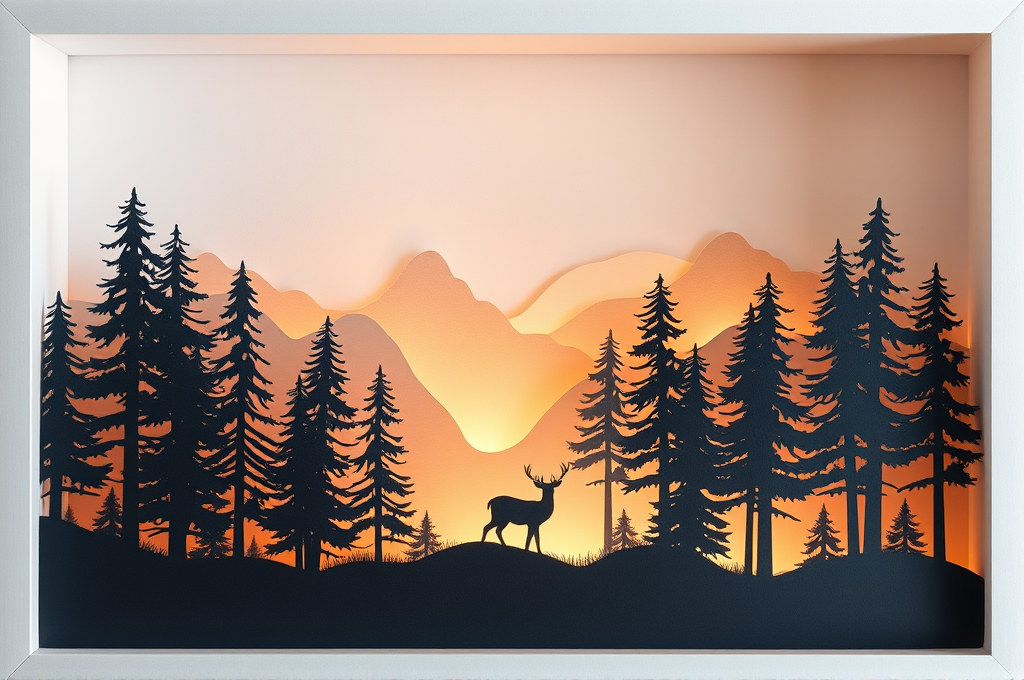
Layered Paper-Cut Shadow Box Design Prompt for Leonardo
Graphic designers, greeting card makers, and print-on-demand sellers use this prompt to generate premium papercraft-style artwork without physical cutting tools. Nursery decor brands and Etsy shop owners create cohesive dimensional wall art collections quickly. Content creators use the layered aesthetic for elegant thumbnails, book covers, and packaging mockups. The result is a polished, tactile shadow box look that feels handmade yet scales infinitely for commercial products.
Create a highly detailed layered paper-cut shadow box design featuring [SUBJECT: e.g., a misty pine forest with a wandering deer]. Render the scene as 6 to 9 distinct laser-cut paper layers stacked inside a deep white frame, each layer separated by visible foreground-to-background depth and subtle drop shadows cast between planes. The nearest layer should be the darkest and most detailed, gradually fading to lighter, softer paper tones in the back to create atmospheric perspective. Use crisp, clean die-cut edges with delicate intricate silhouettes — think fine tree branches, foliage cutouts, and negative-space detailing that reads clearly against the layer behind it. Lighting is critical: place a warm hidden light source glowing from behind the layers, creating a soft luminous gradient that seeps through the cut gaps and separates each plane. Add gentle ambient occlusion in the recessed shadows for realistic paper thickness. The paper texture should be matte and fibrous, showing subtle grain and slight edge lift for authenticity. Color palette: monochromatic soft cream-to-charcoal, or a graduated dusk palette of lavender, peach, and deep indigo. Composition centered, symmetrical framing, shallow diorama depth. Style keywords: papercraft, kirigami, shadow box diorama, layered silhouette art, dimensional cut paper, tactile handmade aesthetic. Technical params: aspect ratio 4:5 or 1:1, resolution 1024x1280, Leonardo model Phoenix 1.0 or Lucid Realism, Contrast: High, Generation Mode: Ultra, Prompt Adherence: High (7-8), Style Strength: strong, negative prompt: flat, 2D, blurry edges, low contrast, cluttered, watermark, text, harsh flat lighting.
leonardo
#paper cut art#shadow box
Nathan Brooks