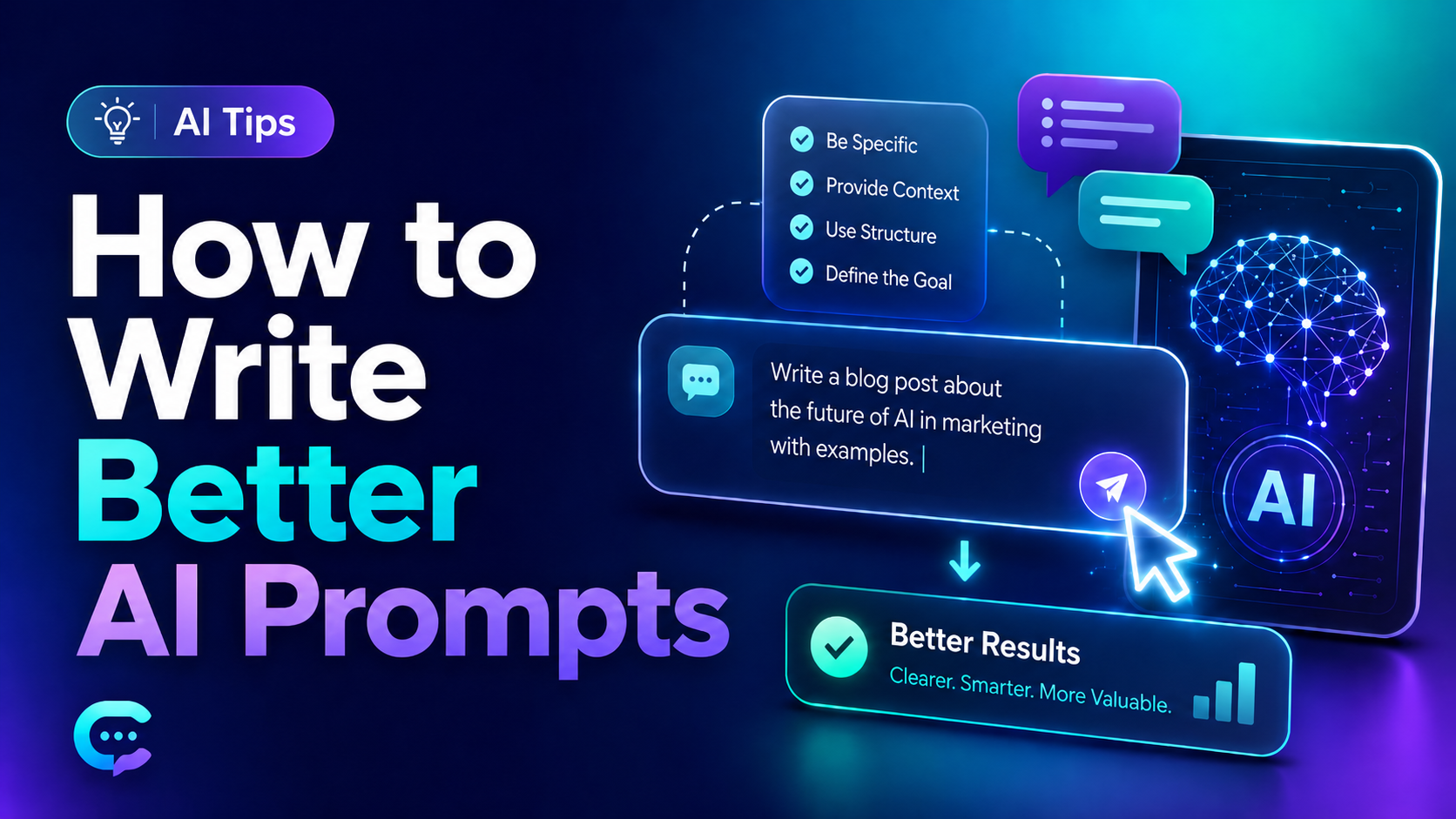
Why Prompts Matter
AI is like a helper. But it only knows what you tell it. If you give bad instruction, you get bad answer. If you give clear instruction, you get good answer.
When I start using AI tools, my prompts was very short. I just write "write blog post" and hope for best. The results was bad. The text was boring and not what I want.
Then I learn something. The problem was not the AI. The problem was me. I was not clear.
In this post I share what I learn. These tips are simple. But they make big difference.
Be Clear About What You Want
This is most important tip. Tell AI exactly what you need.
Bad prompt: "Write about dogs."
Good prompt: "Write 200 words about why dogs are good pets for small apartment."
See the difference? Second one has details. The AI now knows the topic, the length, and the focus.
I found that more details give better results. Do not be lazy. Spend extra time on your prompt. It saves time later.
Give AI a Role
This trick is very helpful. You can tell AI to act like someone.
For example:
- "You are a teacher. Explain this to a child."
- "You are a doctor. Give simple health advice."
- "You are a chef. Suggest easy dinner recipe."
When AI has a role, the answer feel more focused. The tone change too. I use this trick almost every time now.
Tell the Format You Want
AI does not know how you want the answer to look. So tell it.
Do you want a list? Say so. Do you want a table? Ask for table. Do you want short paragraphs? Tell AI.
Example: "Give me 5 tips in bullet points. Keep each tip under 20 words."
This way the answer come in the shape you need. No need to fix it later.
Give Examples
This is powerful but many people skip it. If you show AI an example, it understand much better.
Say you want a certain writing style. Paste a small sample. Then say "write like this."
In my experience, examples work better than long explanations. The AI copy the pattern. It is like teaching by showing, not by telling.
Do Not Ask Too Much at Once
When I was beginner, I put everything in one prompt. I ask for blog post, plus title, plus social media post, plus email. All together.
The result was messy. Each part was weak.
Now I split tasks. One prompt for one job. First the blog post. Then the title. Then the social post. The quality is much better this way.
Talk Back to the AI
You do not need perfect prompt on first try. AI can fix and improve.
If the answer is not good, tell AI what is wrong. Say "make it shorter" or "use more simple words" or "add more examples."
This is like a conversation. You guide the AI step by step. I almost never accept the first answer. I always ask for changes.
Use Simple Words in Your Prompt
Some people think they must write fancy prompt. This is not true. Simple and clear words work best.
Do not write long confusing sentence. Break it into small parts. The AI understand simple language very well.
I keep my prompts easy to read. If I can understand it fast, the AI can too.
Tell What to Avoid
This tip help a lot. You can tell AI what you do not want.
Example: "Do not use difficult words. Do not write more than 100 words. Do not add introduction."
When you set limits, the AI follow them. This keep the answer focused on what you really need.
Practice Makes Better
My last tip is simple. Keep trying. Your first prompts will not be perfect. That is okay.
Every time you write a prompt, you learn something. You see what works and what does not. Over time you become faster and better.
I save my best prompts in a note file. When one work well, I keep it. Then I use it again later. This save me much time.
Final Thoughts
Good prompts are not magic. They are just clear instructions. Be specific. Give role and format. Show examples. Split big tasks. And keep talking with the AI to make answer better.
These tips help me a lot. I hope they help you too. Start small and practice every day. Soon you will write great prompts without thinking hard.